Statistics
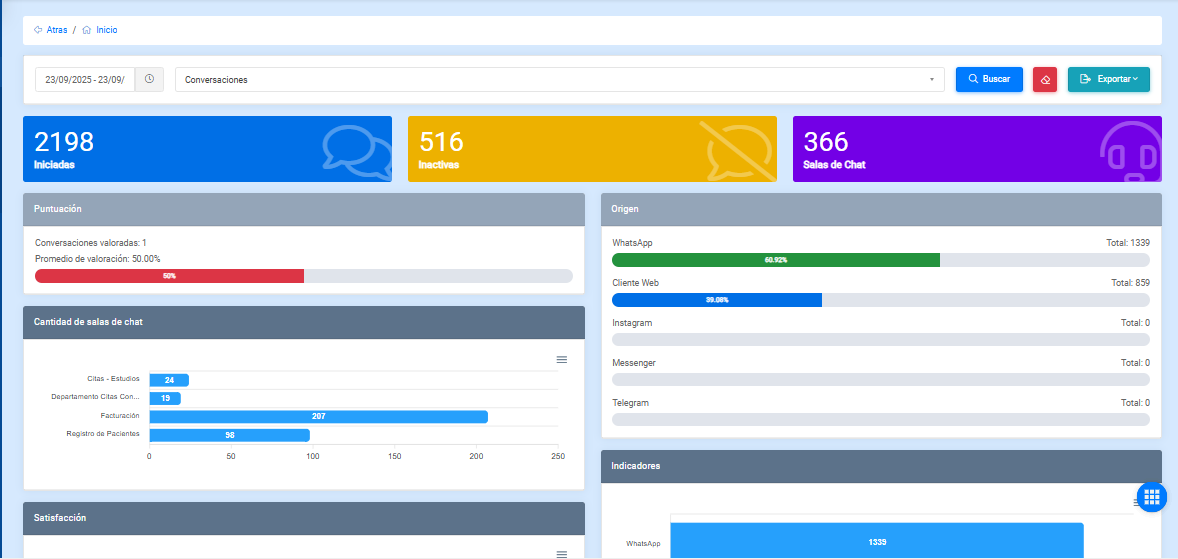
This section is focused on generating different types of reports that provide valuable information about the activity performed on the platform, both by users interacting with the bot and by agents and the AI agent.
With this control, you can search by date to view detailed report information focused on conversations, options, agents, and chatrooms.

Export report
The displayed information can be exported using the Export button.
Conversation statistics
In the conversation statistics section, you can generate different reports depending on the selected date range.
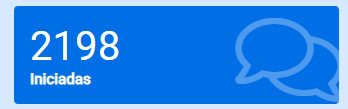
Started conversations
These conversations correspond to interactions that an agent has started with the user, as well as conversations started with the bot that were later transferred to an agent.
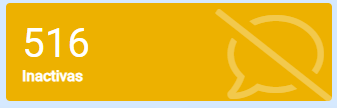
Inactive conversations
These conversations correspond to interactions that were closed due to inactivity, regardless of whether the user was talking to the bot or to an agent.
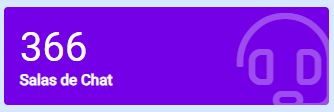
Chatrooms
In this module, you can view information related to chatrooms and their behavior within conversations.
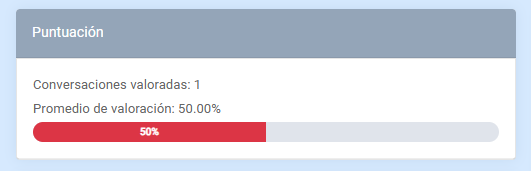
Score
In this module, you can view the number of conversations that received feedback and the average rating, calculated based on the total number of conversations and the feedback received.
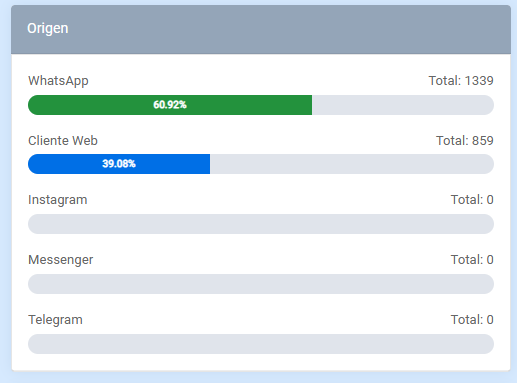
Origin
In this module, you can view the origin of each generated conversation.
Number of conversations
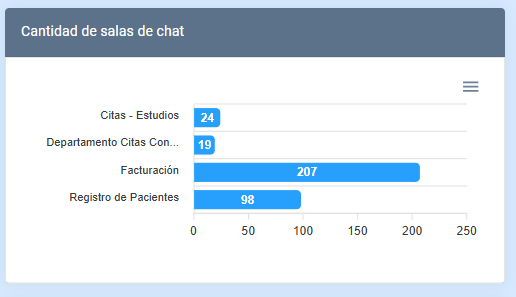
This module displays a chart with the number of conversations by department or chatroom.
Indicators
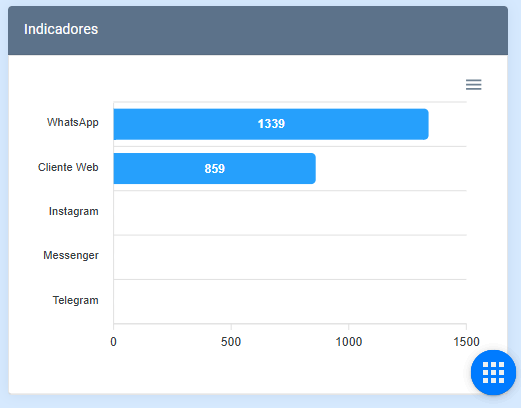
This module displays a chart with the number of conversations according to the origin from which they were generated by users.
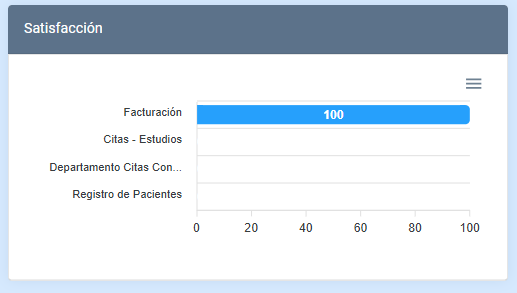
Satisfaction
This module shows the satisfaction level of each chatroom.