Expressions
In this section, you can create the expressions you want to use in your messages and manage them more easily and efficiently.
It also allows you to create multiple expressions, which means that the data can match any of the created expressions.
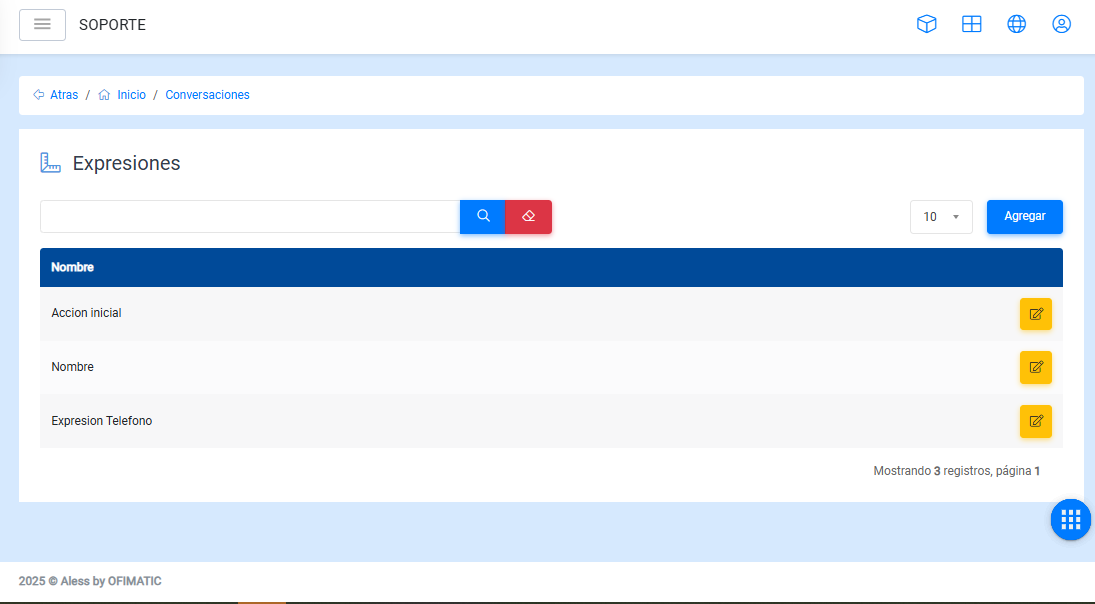
Expression management
In this section, you can view all created expressions.
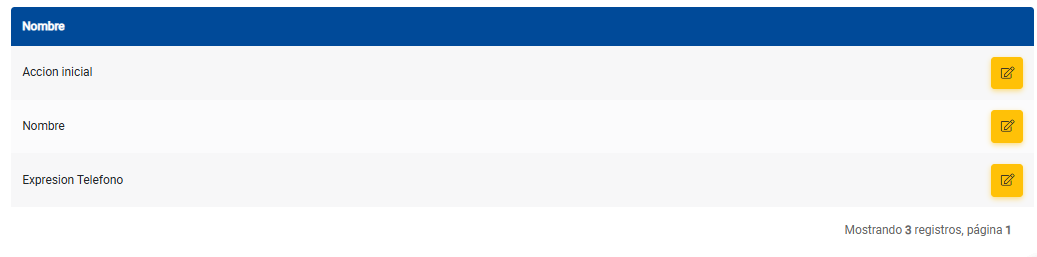
The table shows the following option:
- Edit: allows you to modify created expressions.
Create expressions
To create an expression, click the Add button. The following screen will be displayed:
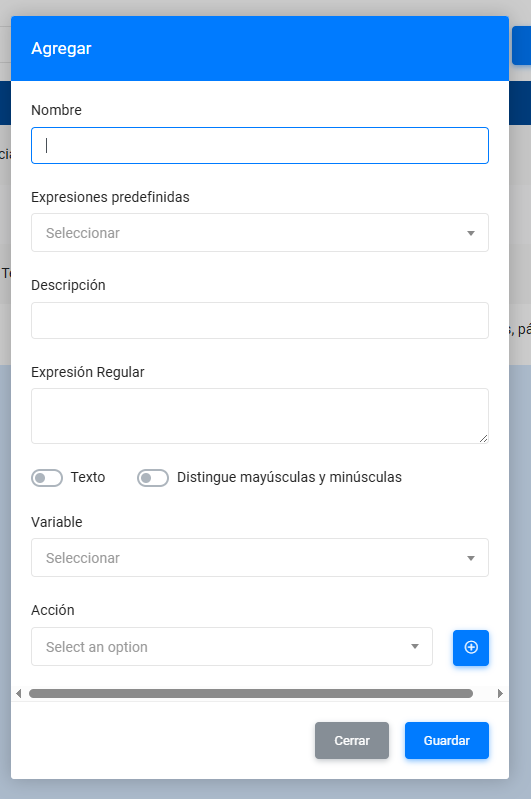
- Name: indicates the name of the expression you want to create.
- Predefined expressions: allows you to select a previously created expression to reuse it.
- Description: indicates what the expression does.
- Regular expression: allows you to enter the regular expression according to the validation you want to perform.
- Text: indicates that text will be received without any validation.
- Case sensitive: allows the expression to take uppercase and lowercase differences into account.
- Variable: allows you to select the variable that contains the value to be validated.
- Action: allows you to execute a function, such as changing the script or running a service.
Update expression
In this section, you can update a created expression.
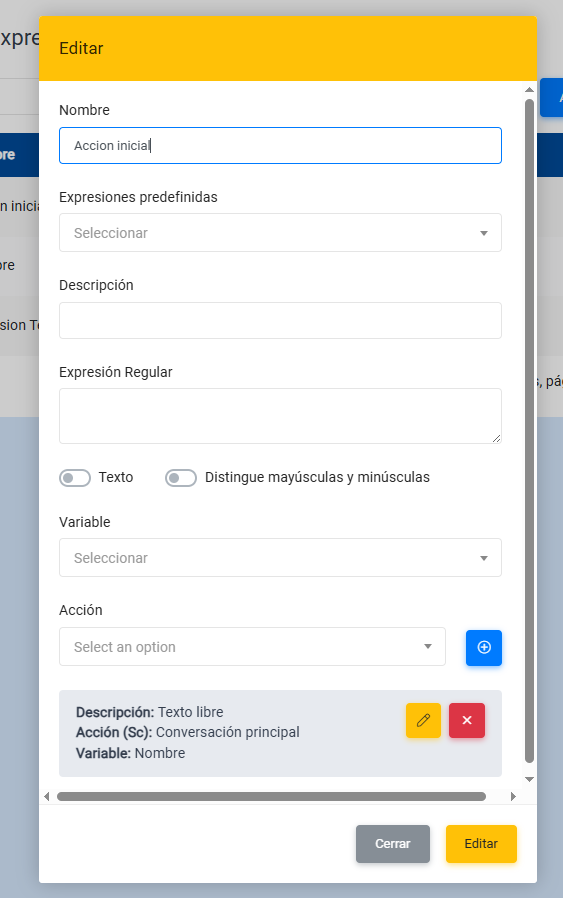
- Name: indicates the name of the expression.
- Predefined expressions: allows you to select a previously created expression to reuse it.
- Description: indicates what the expression does.
- Regular expression: allows you to enter the regular expression according to the validation you want to perform.
- Text: indicates that text will be received without any validation.
- Case sensitive: allows the expression to take uppercase and lowercase differences into account.
- Variable: allows you to select the variable that contains the value to be validated.
- Action: allows you to execute a function, such as changing the script or running a service.