Directory
This section shows the bot’s general directory, where users interacting with the bot can view and upload files.
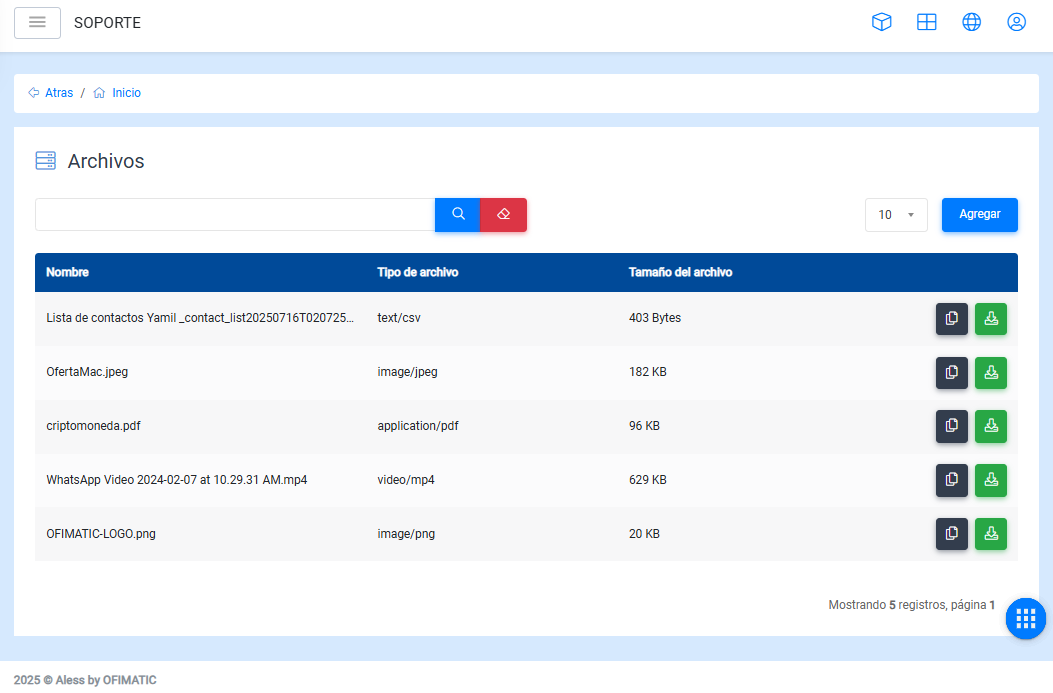
- Name: file name.
- File type: file extension.
- File size: file weight or size.
- Options: allows you to download the previously uploaded file.
Considerations
In the table, you can:
-
Find a file using the
Searchoption, located below the upper-left corner. -
Modify the number of files displayed per page.
Upload a file
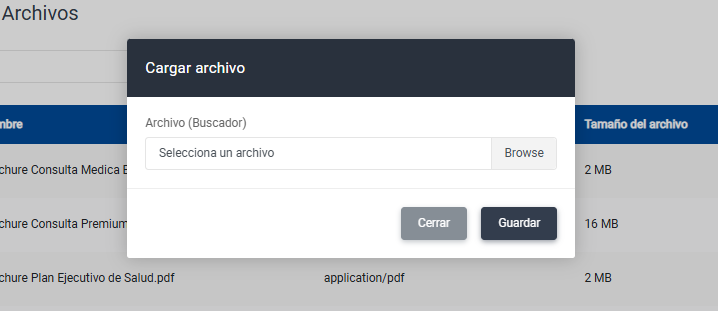
To upload a file, click the Add button located in the upper-right corner.
Then assign the File name with which users will receive the file and upload the File by clicking Browse.
Considerations
To view previous records, go to the end of the table and navigate through the history using the arrows located in the lower-right corner.