Conversations
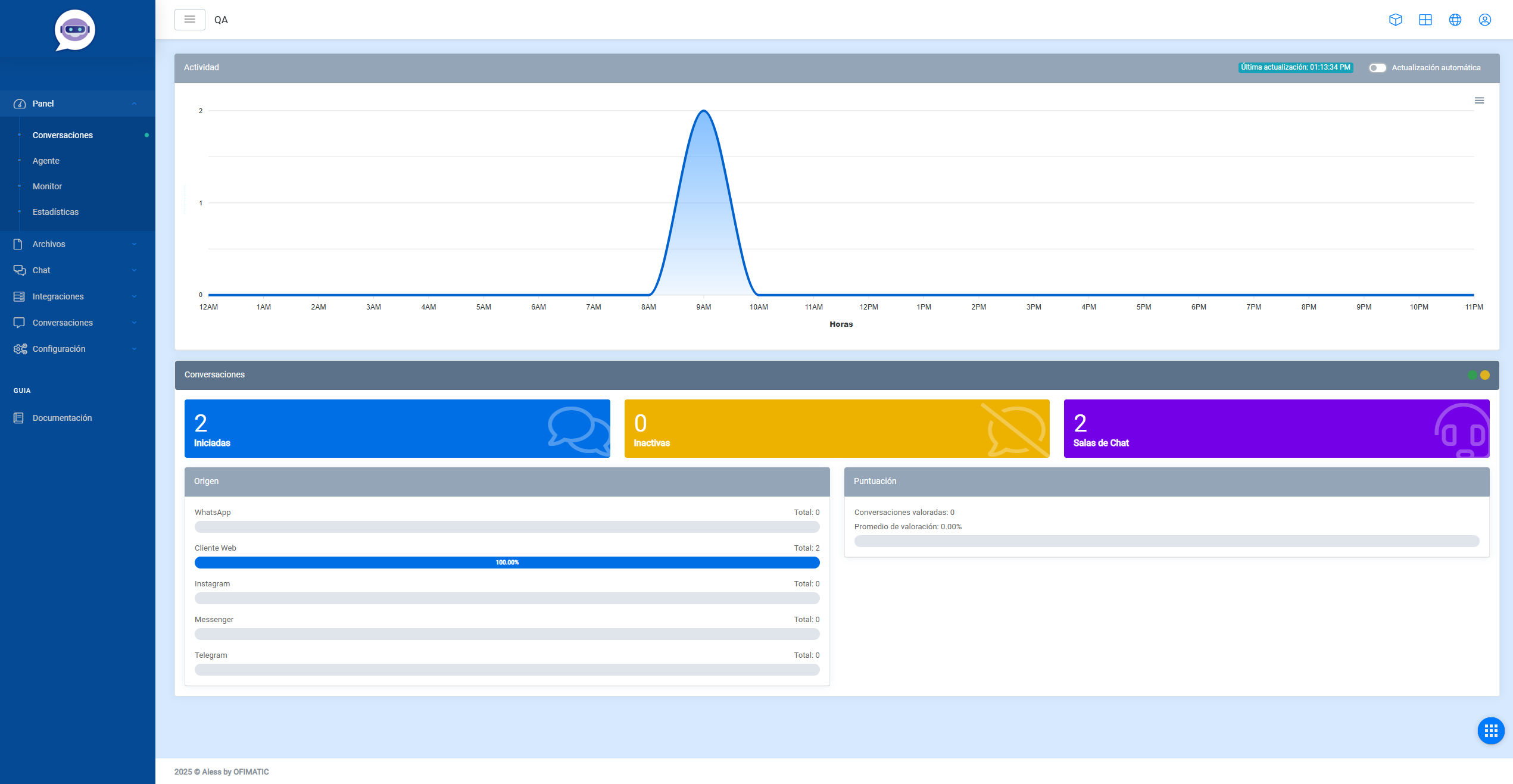
The conversations dashboard displays key information graphically to monitor chatbot conversations as effectively as possible.
Options menu
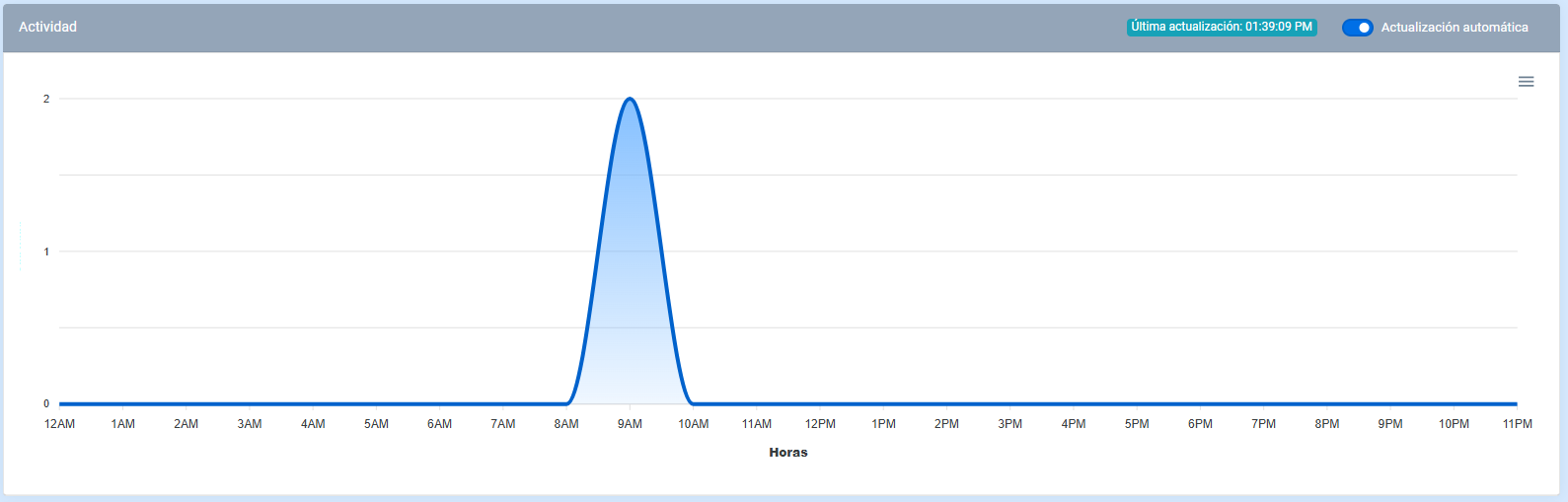
In this section, you can graphically view which options were most selected by users during the last 8 hours.
The information is displayed in two ways:
- Line chart.
- Bar chart.
Precautions
By default, the live update option is enabled to update the chart in real time. If it is disabled, you will need to refresh the page for the changes to be reflected in the chart.
Conversations
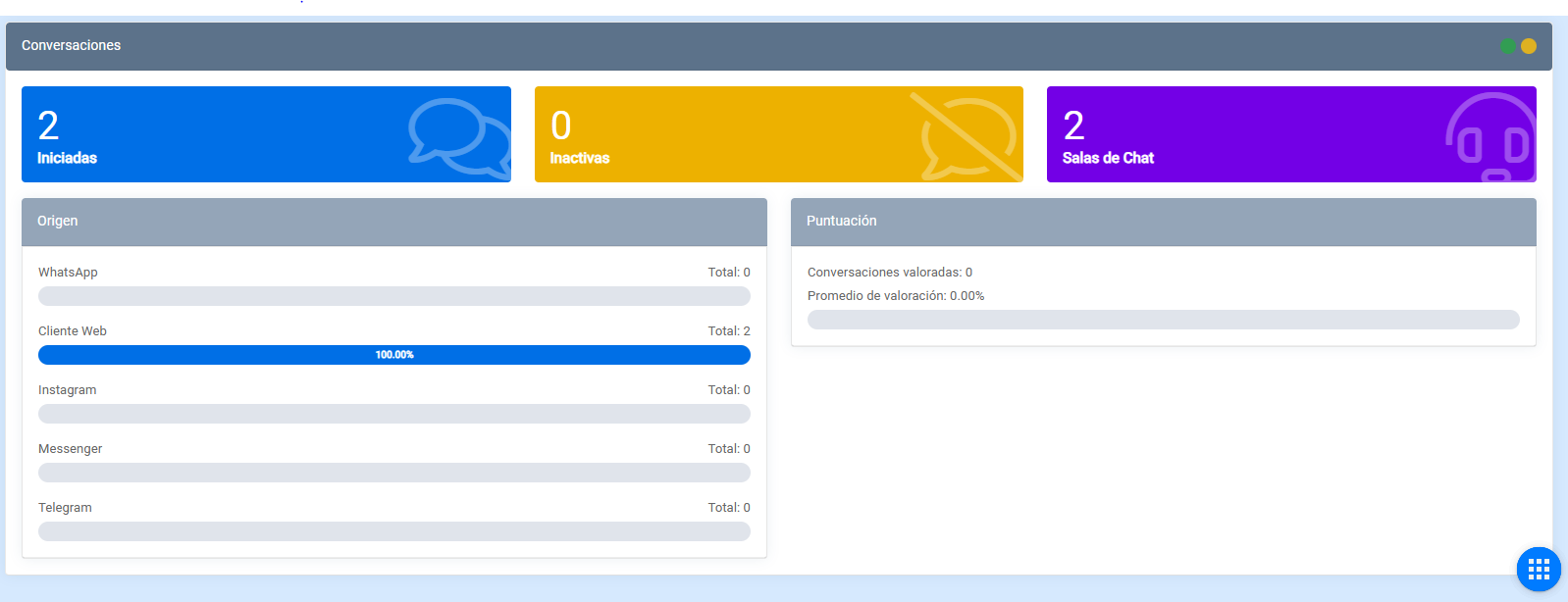
This section displays indicators related to bot conversations.
Started conversations
These conversations correspond to interactions that an agent has started with the user, as well as conversations started with the bot that were later transferred to an agent.

Inactive conversations
These conversations correspond to interactions that were closed due to inactivity, regardless of whether the user was talking to the bot or to an agent.
Chatrooms
In this module, you can view information related to chatrooms and their behavior within conversations.
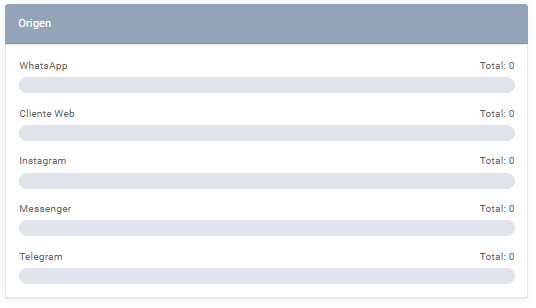
Origin
In this module, you can view the origin of each generated conversation.
Score
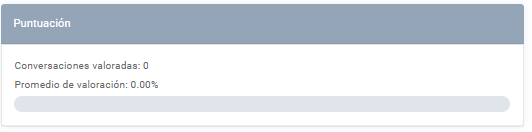
In this module, you can view the number of conversations that received feedback and the average rating, calculated based on the total number of conversations and the feedback received.