Scripts
Aless scripts are the flows that Aless will follow during an active conversation.
You can design a conversation sequence that will help Aless provide information to your customers and offer a solution. This conversation flow can be changed at any time, depending on Aless performance.
Script management
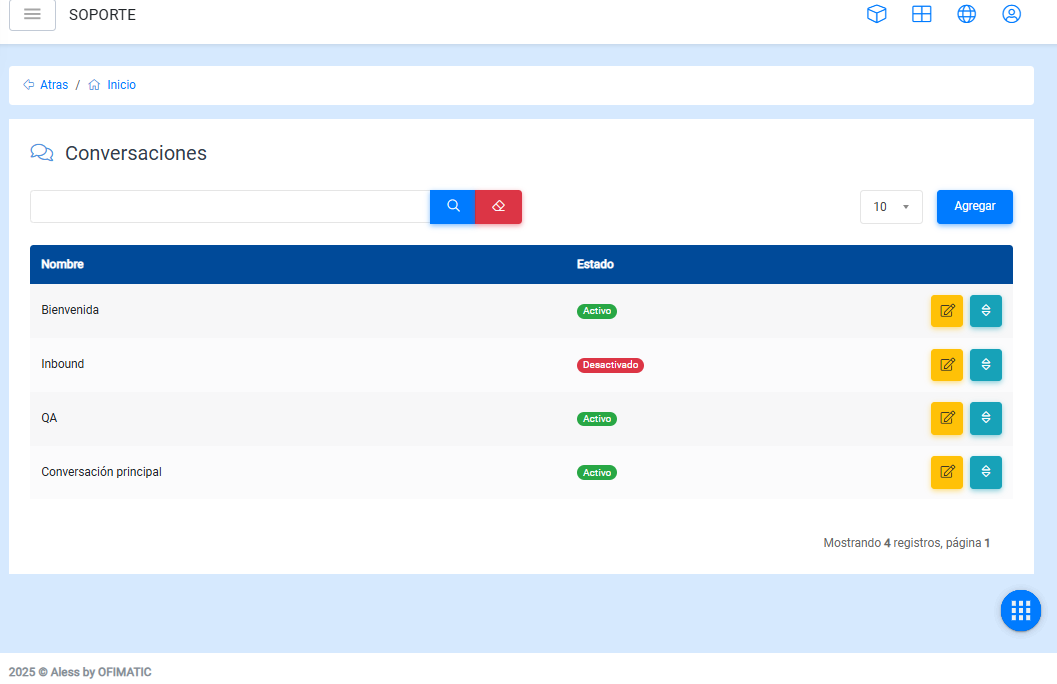
In this section, you can view, create, and modify the scripts that the bot will use through a table containing the following columns:
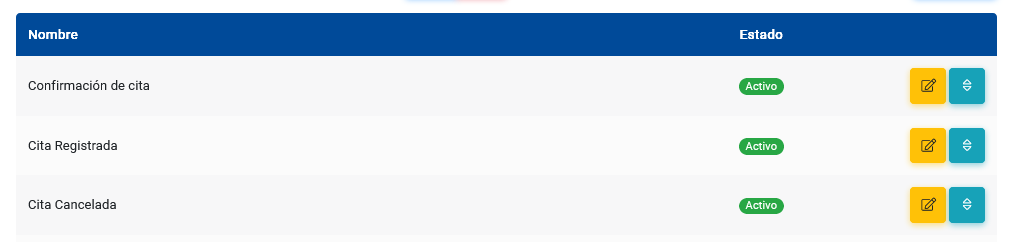
- Name: displays the script name.
- Status: shows whether the script is enabled or disabled.
- Options: allows you to access the Edit scripts and Sort scripts options.
Considerations
In the table, you can:
-
Find a script using the
Searchoption, located below the upper-left corner. -
Modify the number of items displayed per page.
Add scripts
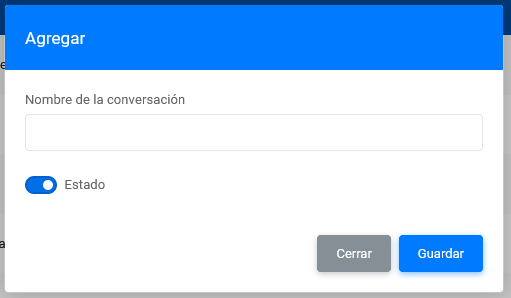
In this section, you can create a script by completing the following options:
-
Script name: allows you to enter or modify the script name.
-
Status: by default, this option is enabled. If you want to disable the script, you can unselect this option.
Edit scripts
In this section, you can modify the main information of a script.
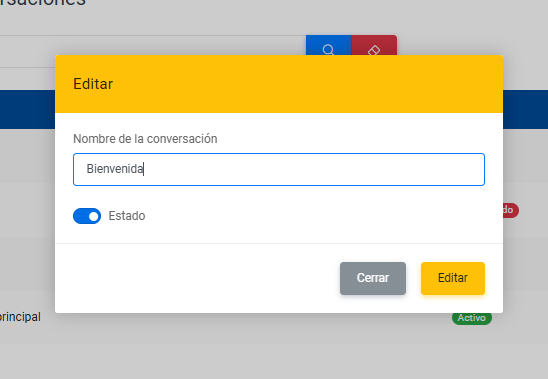
-
Script name: allows you to change the script name.
-
Status: allows you to enable or disable the script.
Sort script
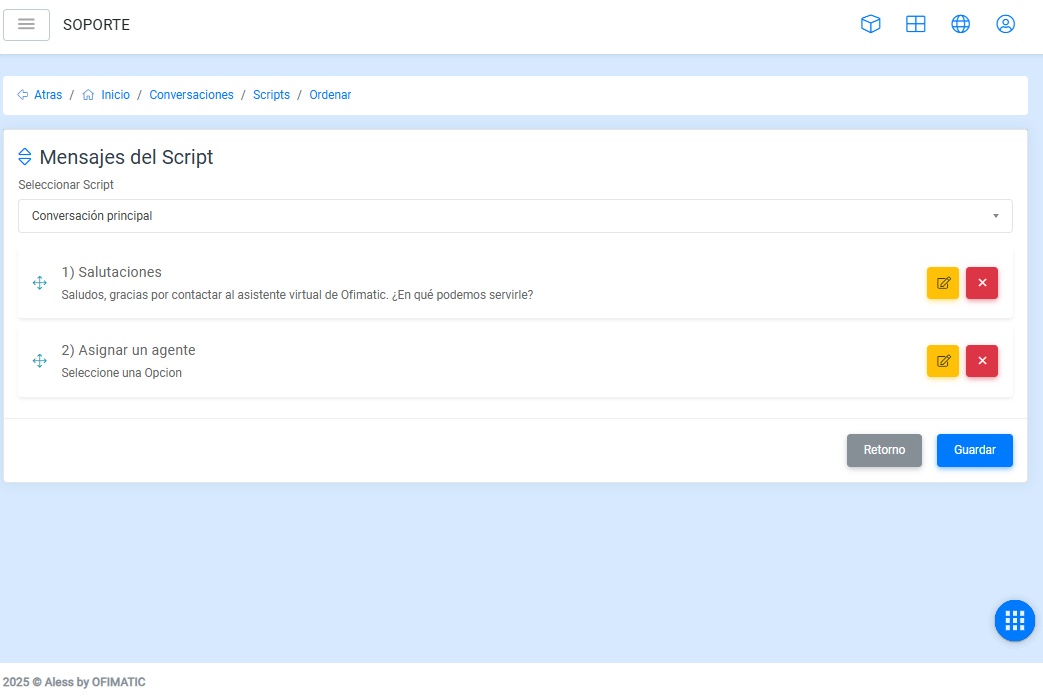
This section allows you to organize the sequence in which Aless will display the messages contained in the script.
To do this, first select the script you want to organize and then sort the messages in the desired sequence.